Find a record
The Records page lists your organization’s records. It has three views, a search field, and filters to narrow what you see. Whatever your access level, you find only the records you are allowed to read. See Access levels and permissions.
The three views
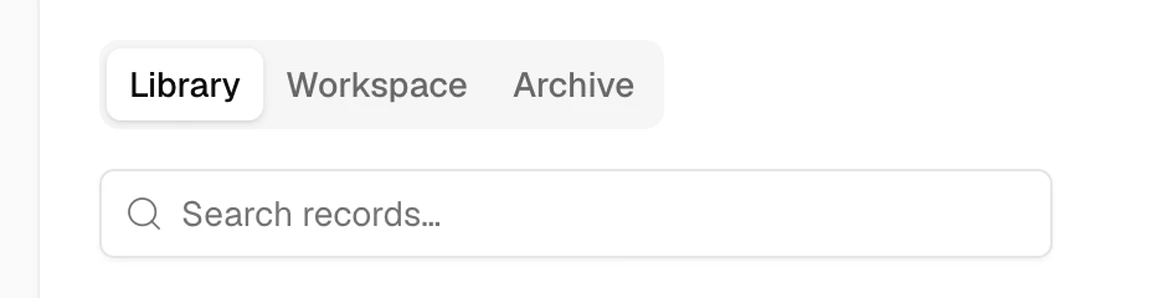
Open Records. At the top of the page are its three views (1 in the picture below), and under them the search field (2).
- Library: your organization’s approved records.
- Workspace: records you are drafting, proposing, or reviewing. The Your role column shows whether you are the owner, an editor, a viewer, or the decision maker.
- Archive: withdrawn, rejected, and retired records.
Search
Type in the search field to narrow the view you are in, Library, Workspace, or Archive, by record title.
You can also press ⌘K (Ctrl+K on Windows) from anywhere in Brava, and type a record’s name.
Filter
Type and Filter sit to the right of the search field. On a phone, both are inside Filter.
- Type: charter, policy, plan, budget, report, agreement, guide, or minutes.
- Filter: the owner, the category, or the date.
In Workspace, you can also choose All, Draft, or Proposed. In Archive, Filter narrows the list to withdrawn, rejected, or retired records.
What can go wrong
I can’t find a record I expect. Why?
It may be restricted to other people. Ask its owner, or an Admin, to share it with you.