Review the audit log
The audit log lists what people do in your organization, newest first: signing in, changes to members and their access, records and their versions, decisions, meetings, groups, settings, and integrations. It also lists each time Brava refused someone an action. Use it to see who did what, and when.
Who can do this
Admins and Super Admins read the audit log.
Read the audit log
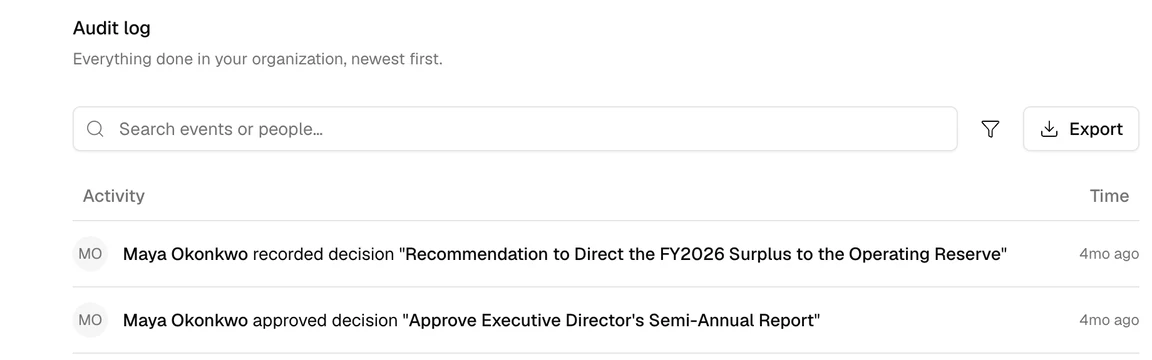
Open Admin, then Audit log. The log opens on the last 30 days. From there you can:
- Search: type in Search events or people (1 in the picture below) to find an action or a person.
- Choose the dates: select the filter button beside the search field, then a period, or a range of dates. To see every date, remove the date chip.
- See the details: select an entry to see the person, the item, the event, the time, and the IP address. Actions by Brava’s own staff are marked Brava staff.
- Export: select Export (2). See Export the audit log below.
Export the audit log
Select Export to download the entries you are looking at as a spreadsheet file (CSV). The file holds up to the 10,000 most recent entries. To export older entries, narrow the dates first. Export is not available on a phone.